
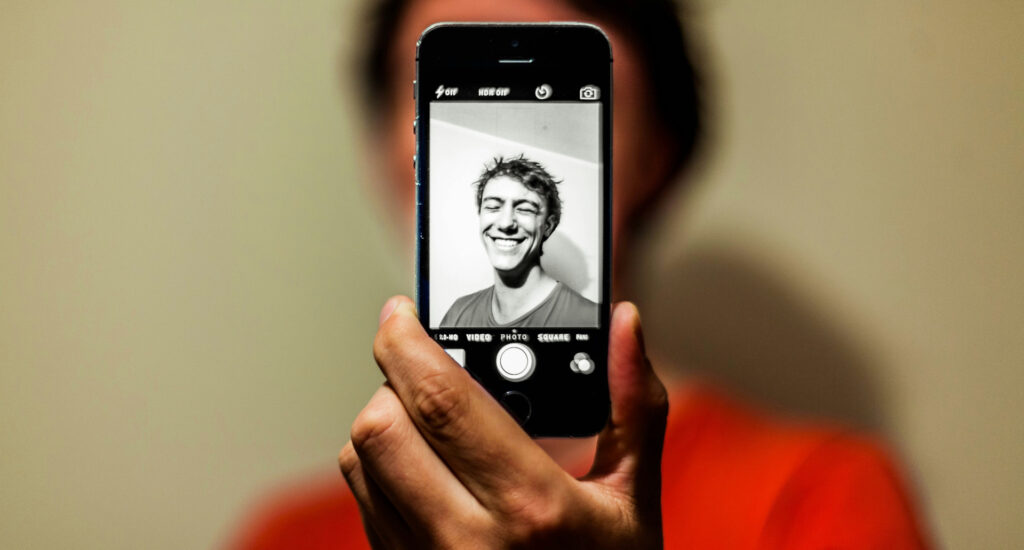
Selfies are a big part of our everyday communication. Whether it’s sharing a special moment on your social media or sending a reaction to a funny story from a friend via text, many of us are well-acquainted with the front-facing camera on our phones.
If you’re looking to brush up on your selfie game and add some artistic expression to your photos, we’ve got some top tips to help. Our advice on how to take a good selfie is here to help you feel more confident and create selfies that are practically gallery-worthy.
How to take better selfies
Taking good photos of yourself is, of course, subjective — many of us tend to dislike our selfies even when other people compliment them. However, there are a few simple tips and tricks you can use to create high-quality pictures that look professional and flattering.
1. Consider your lighting
Lighting is a vital part of any photo, and it can completely change the results you get. Whether you’re taking a selfie with your phone or a separate camera, it’s best to position yourself so you are facing your lighting source. This will reduce shadows on your face and illuminate your features.
Natural lighting tends to provide soft and flattering results, so it’s a good idea to take your photos outside or near a window where possible. You can also use a dedicated selfie light to add extra illumination.
2. Avoid the flash
While we’re on the subject of illumination, it may be tempting to add extra light by using the camera flash. However, this can bleach out your features or result in very harsh, less flattering lighting.
3. Try out different poses
Knowing how to pose for a selfie can be tricky, especially if you’re out and about and feeling self-conscious. Practice a few poses and see which you feel most comfortable with. You could try:
- Looking straight into the camera with a natural smile
- Trying an over-the-shoulder shot
- Looking thoughtfully into the distance, beyond the camera
- Leaning against a surface, such as a wall, window, or tree
- Tilting your head to the side slightly
The more comfortable you feel with the pose, the more natural and engaging the photo will be.
4. Adjust your angle
The angle of your camera can also affect the final results of your photo and enhance your pose. A camera pointing from below can create shadows, so the most flattering selfie angles tend to be from above. Consider holding your camera above you at a 45° angle and tipping your chin down.
Another great selfie angle to try is turning slightly to the side, still holding the camera at a 45° angle.
5. Don’t forget about your background
The background of your selfie can add to, or detract from, the whole aesthetic of your photo. It’s worth thinking about what will be behind you in your photo and how this will affect the overall composition of your image.
If you’re not aiming for a stoic passport photo, avoid standing in front of a plain white wall. You may find it helpful to curate a bit of a scene behind you, whether it’s readjusting some plants on your desk or finding an eye-catching piece of architecture when out and about.
You’ll generally also want to avoid capturing other people in the background of your photo, so be aware of any passersby. Many smartphone cameras now have erase tools so you can easily remove any accidental extras!
6. Give portrait mode a go
Another handy camera feature to try is “portrait mode”, which softens the background while keeping you — the subject — in focus. It adds a professional edge and means you don’t need to worry so much about what’s behind you.
7. Use your camera’s editing tools
After taking your selfie, you can refine it using your phone or camera’s editing software. The trick is to strike a good balance of subtle tweaks without over-editing. You may like to try adjusting the contrast or white balance, or adding aesthetic filters that adapt the colour balance and saturation.
8. Use a tripod
If you’ve ever tried to take selfies and ended up scrolling through dozens of blurry pictures, you’re not alone. Holding your camera can lead to wobbly results. Placing your phone or camera on a tripod (or simply propping it up) and using a self-timer can create far more stable results.
This system can be ideal for taking headshot-style selfies and full-body portraits to showcase an outfit.
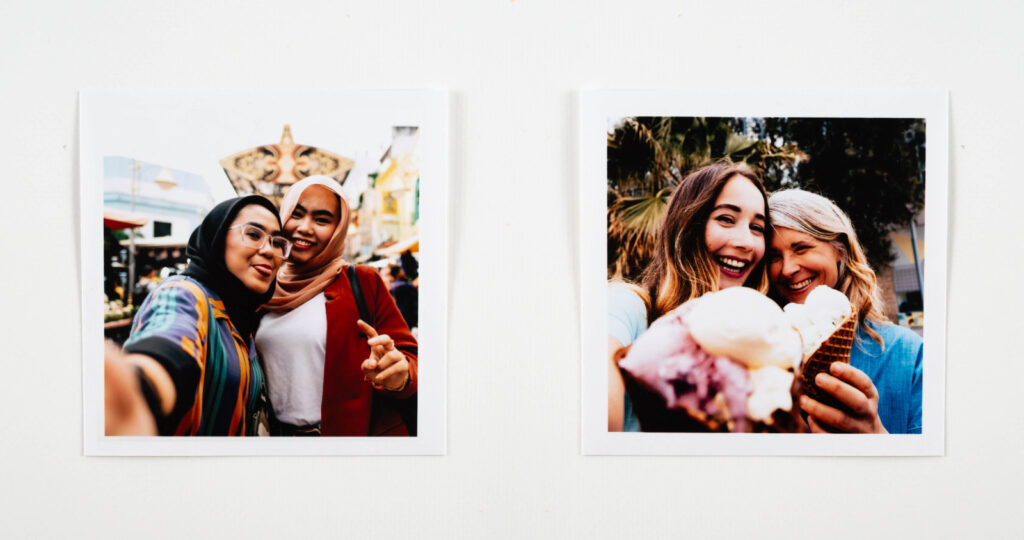
Sharing your selfies online and in print
Now you’ve perfected your selfie masterpieces, where can you share them? Top-quality selfies are perfect for adding to your social media profiles. (Bonus tip: Stick with the 1:3 face ratio — one selfie showcasing your face for every three other photo types).
But why not print your favourite snaps, too? Selfies make just as powerful mementoes as any other photo style, and they can be ideal for adding a personalised touch to your home decor.
Here are a few creative ways to display your selfie photos:
- Classic prints: When you’re printing off a batch of recent photos to add to albums or display in frames, don’t shy away from including a selfie or 10. Find your nearest PHOTO by Fujifilm store for a quick and easy way to get professional-quality prints at the touch of a kiosk button.
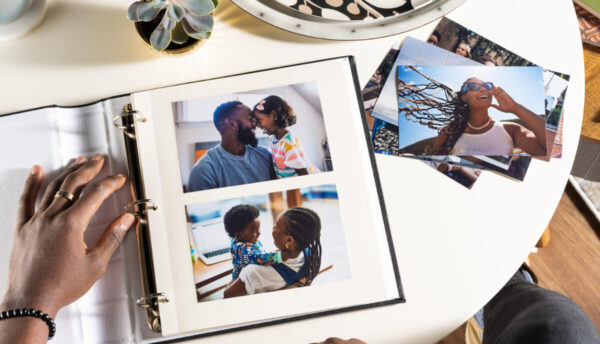
- Photo books: Selfies can also work well in printed photo books — especially as you can add multiple photos to a page with our handy photo book tool. Why not intersperse stunning landscapes from your travels with snaps of you in front of iconic landmarks? Likewise, you can add a page of selfies taken with guests at your wedding for a fun addition to a wedding photo book.
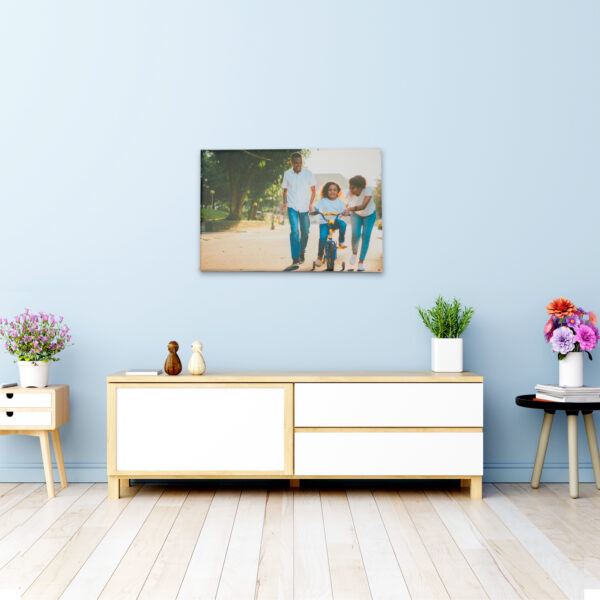
- Canvas prints: Do you have a particular selfie that brings back amazing memories? Transform it into a beautiful canvas to brighten up your walls.
- Magnets: Add a pop of colour and fun to your fridge with photo magnets. Pocket-sized magnetic frames are a great way to display selfies, reminding you of your favourite moments whenever you grab a snack.
Perfect and print your selfies with PHOTO by Fujifilm
Selfies can be just as creative, artistic, and impactful as any other photo format. Rather than keeping your favourite selfies locked up in your phone or camera, print them with PHOTO by Fujifilm. We offer a wide range of products that can showcase your best-loved pictures.
Find your nearest partner store and enjoy vibrant, premium printing quality.